© 1999-2013 Tobias Rapp
Powered by

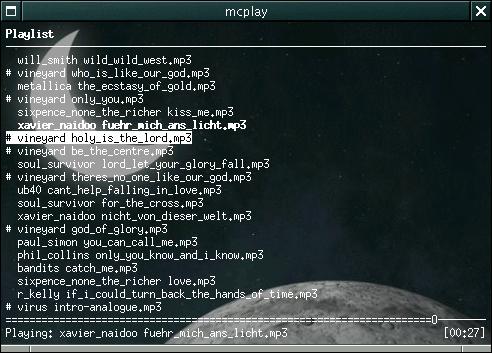
Mcplay is not just another fontend for mpg123. It is also just another frontend for many other players (ogg123, sox, drvmidi). It is able to adjust the soundmixer's volume and it is able to read and write playlist files (*.m3u). And it has support for infrared controls via lirc.
The word 'mcplay' stands for "my cool player" or "my cloned player" since it is a C-clone of the excellent program 'cplay' which is written in python.
Mcplay is published under the GNU General Public License (GPL) version 2.
Before download of the source file package check if you have:
development headers of the glib1.2 library
development headers of the liblirc library if you wish ir-remote support
Download: mcplay-0.3j.tar.gz
You can retrieve the source code through Git by using the following command:
git clone git://gitorious.org/mcplay/mcplay.git mcplay
It is also possible to browse the source code online at Gitorious.